Vion App
Stream Beyond Your Animation Universe
Dive into a handpicked collection of cartoons and anime. Vion App brings you smooth navigation, rich Hindi support, and adaptive playback quality — all wrapped in a sleek, modern interface built for true fans.
Vion App
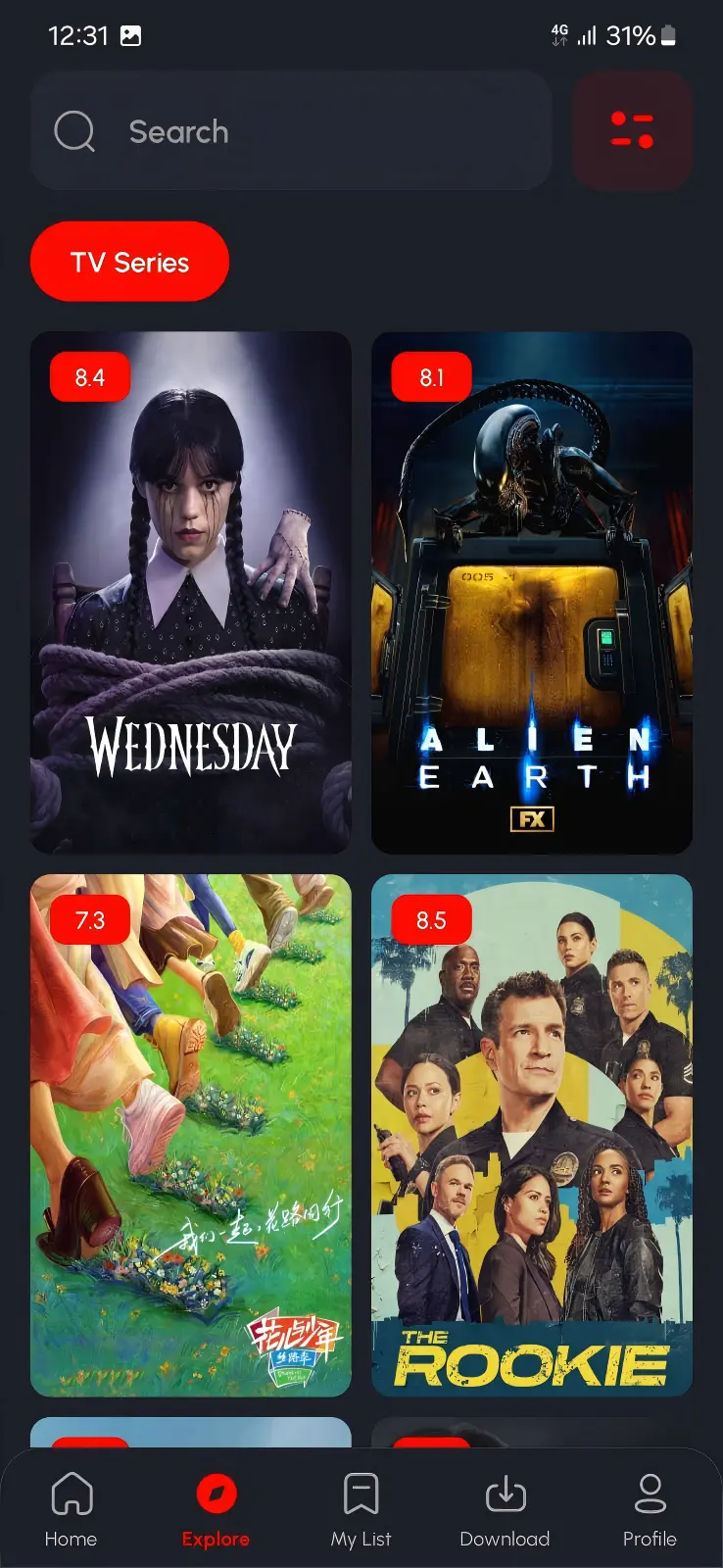
Vion App is an Android entertainment application designed mainly for people who enjoy cartoons, anime, and animated videos. It became known for its Hindi cartoon content and was also associated with animated entertainment in other languages. The application provides a simple environment where users can browse available videos on their Android devices. Its mobile-focused design makes it convenient for viewers who prefer watching animated content on smartphones or tablets. The original application used the package name vionapp. Archived information indicates support for Android 5.0 and above. Since the original Google Play listing is no longer available, current APK versions may differ in content and features.
OverView of Vion Application
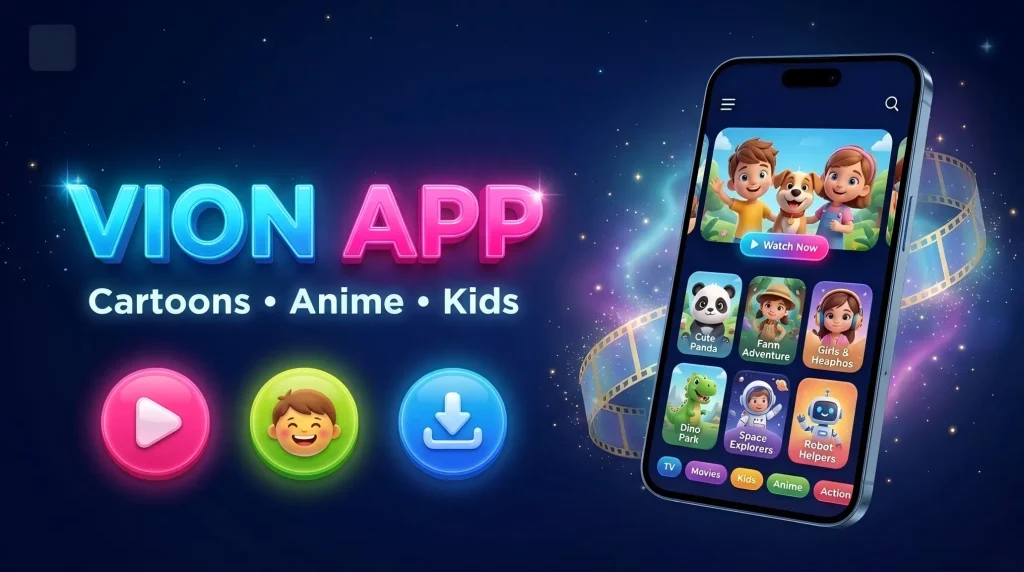
Vion Application brings animated entertainment to one convenient Android platform. Users can explore cartoons, anime, animated movies, and other videos without manually searching through multiple categories. The application features a straightforward interface that makes browsing easier for both new and regular users. Its content may include different genres and languages depending on the version being used. Hindi entertainment has been one of its notable areas, while archived descriptions also mention English, Tamil, and Telugu content. The application includes features such as search, favorites, watch history, recommendations, and playback controls. Availability can vary between different releases.
What is Vion APK?
Vion APK is the Android installation package used to install the Vion application outside the standard Google Play installation process. The original Hindi Cartoon TV Videos ViON application was previously available through Google Play but is no longer listed there. As a result, users searching for the application may find APK files on third-party websites. Different sources may provide different versions, so users should check the package name, file details, permissions, and source before installing. The application was designed around animated entertainment and mobile video viewing. Its exact content and functionality can depend on the APK version. Users should also scan an unfamiliar APK before opening it on their device.
How Does the Vion MOD APK Work?
Tips for the Best Streaming Experience on the Vion Mod App?
Tips for Less Battery Consumption While Streaming on the Vion MOD Application
Features of Vion App APK
Animated Content Library
Vion provides an entertainment-focused environment for exploring cartoons, anime, and other animated videos. The available library can vary according to the application version and content source.
Hindi Cartoon Content
Hindi cartoons are one of the main reasons the application became recognizable among animation viewers. Specific titles and episodes may vary between releases.
Multiple Language Options
Archived information associates Vion with Hindi, English, Tamil, and Telugu animated content. Language availability can differ from one video to another.
Easy Content Search
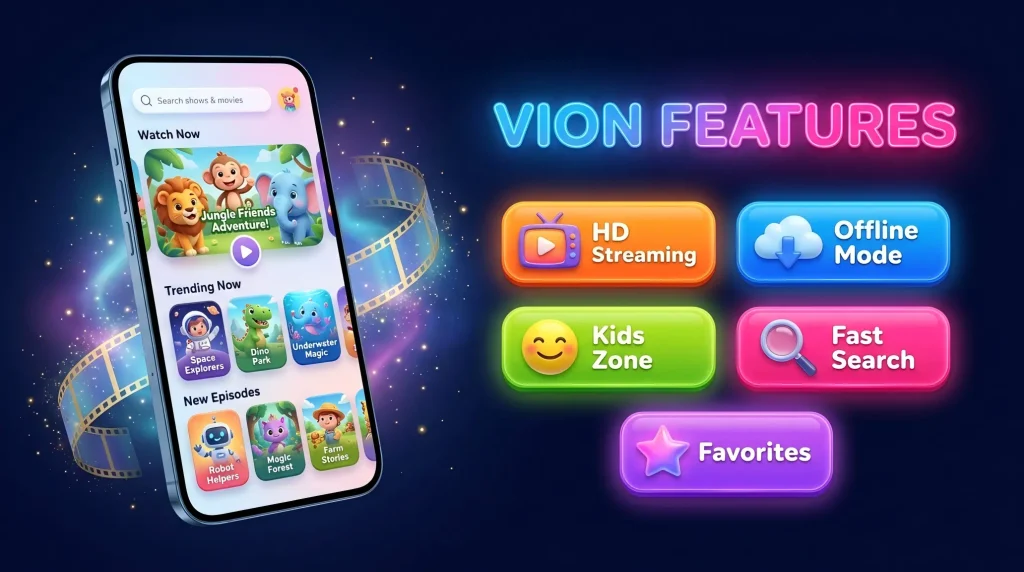
The search function allows users to look for available cartoons or anime by entering a title or related keyword instead of browsing every category.
Category-Based Browsing
Available animated material can be arranged into different categories, helping users explore content based on their interests.
Simple User Interface
The application uses a straightforward mobile interface intended to make browsing and video selection easier without complicated navigation.
Video Playback Controls
Users can use standard playback controls such as play, pause, seeking, rewind, and fast-forward when supported by the installed version.
Watch History
The historical application included a viewing-history feature that could help users return to videos they had already watched.
Favorites
Users could save preferred content through the Favorites feature, making selected cartoons or anime easier to locate later.
Content Recommendations
Recommendation features could help viewers discover additional animated programs based on their interests or viewing activity.
Mobile-Friendly Experience
Vion was developed for Android devices, making its content accessible through compatible smartphones and tablets.
Full-Screen Viewing
Supported videos can be viewed in full-screen mode, giving users a larger viewing area on compatible devices.
Subtitle Support
Selected videos may provide subtitles, although availability depends on the individual title and application version.
Different Video Quality Options
Some versions may provide multiple playback quality choices, allowing users to select an option that suits their connection and device.
Pros & Cons
Pros
Cons
FAQs
How to Download and Install the Vion App Latest Version?
Conclusion
Vion App is an Android entertainment application for cartoons, anime, and animated videos, with Hindi cartoon content among its most recognizable offerings. The app was designed to give mobile users a simple way to discover and watch animated entertainment. Archived information also connects it with features such as search, Favorites, Watch History, recommendations, playback controls, and different language options. Its original Google Play listing is no longer available so that users may encounter different APK versions from third-party sources. Check these versions carefully before installing, as their features and contents may differ. Users should also consider Android compatibility, internet requirements, file security, and requested permissions before installing any APK.